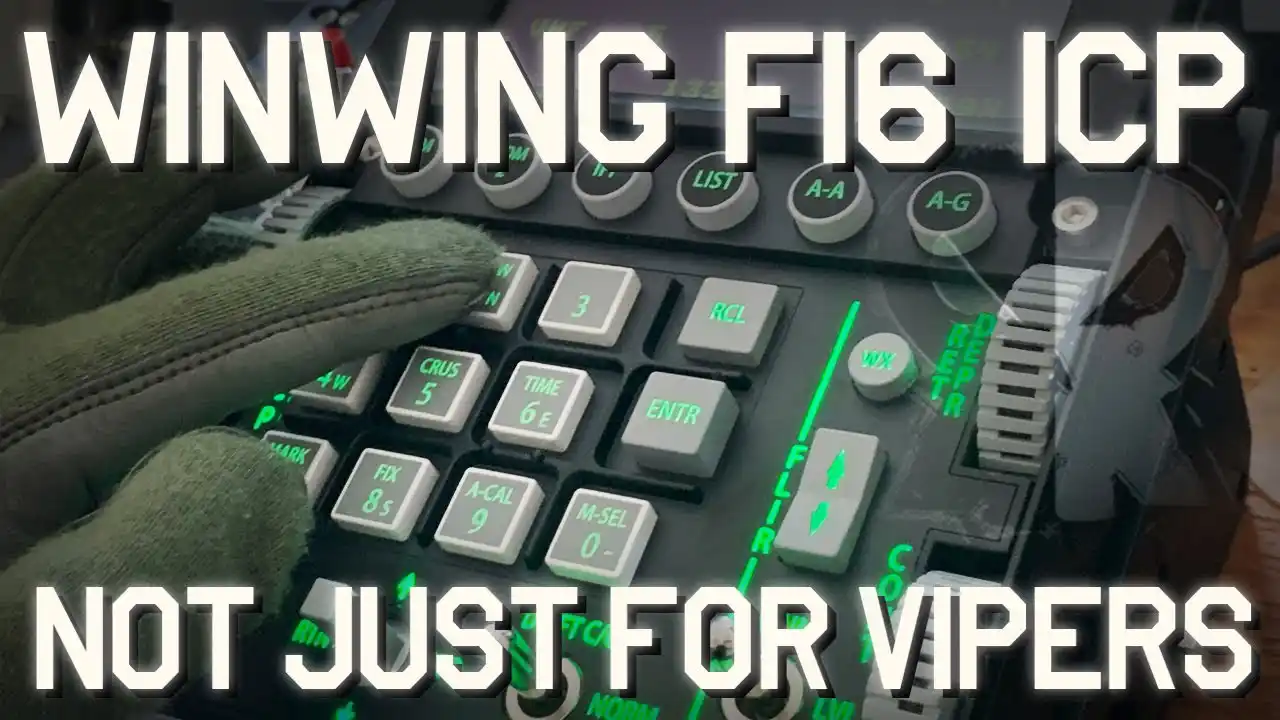
The WinWing F-16 ICP (Integrated Control Panel) is an essential component for any serious flight simulation enthusiast, particularly those who fly the F-16 Viper in DCS World. This review will delve into the build quality, ease of setup, usability, and versatility of this high-fidelity flight controller. While many reviews focus on its accuracy and realism, we will explore whether it is practical for users who do not have a complete home cockpit and those who fly multiple aircraft types.
Build Quality and Design
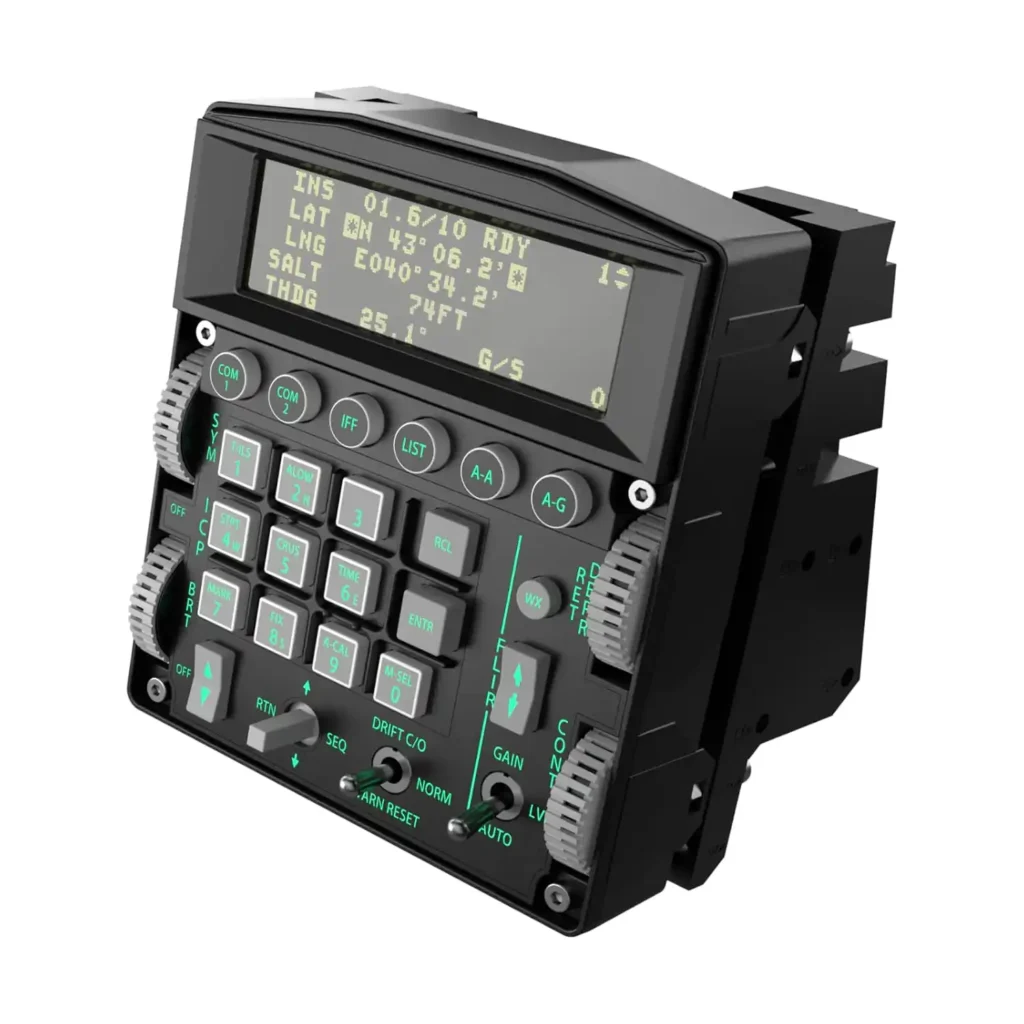
At first glance, the WinWing F-16 ICP impresses with its authentic layout, closely mirroring the real F-16 Viper’s control panel. While some may be skeptical about its plastic construction, it is a high-quality, durable plastic that feels sturdy and well-crafted.
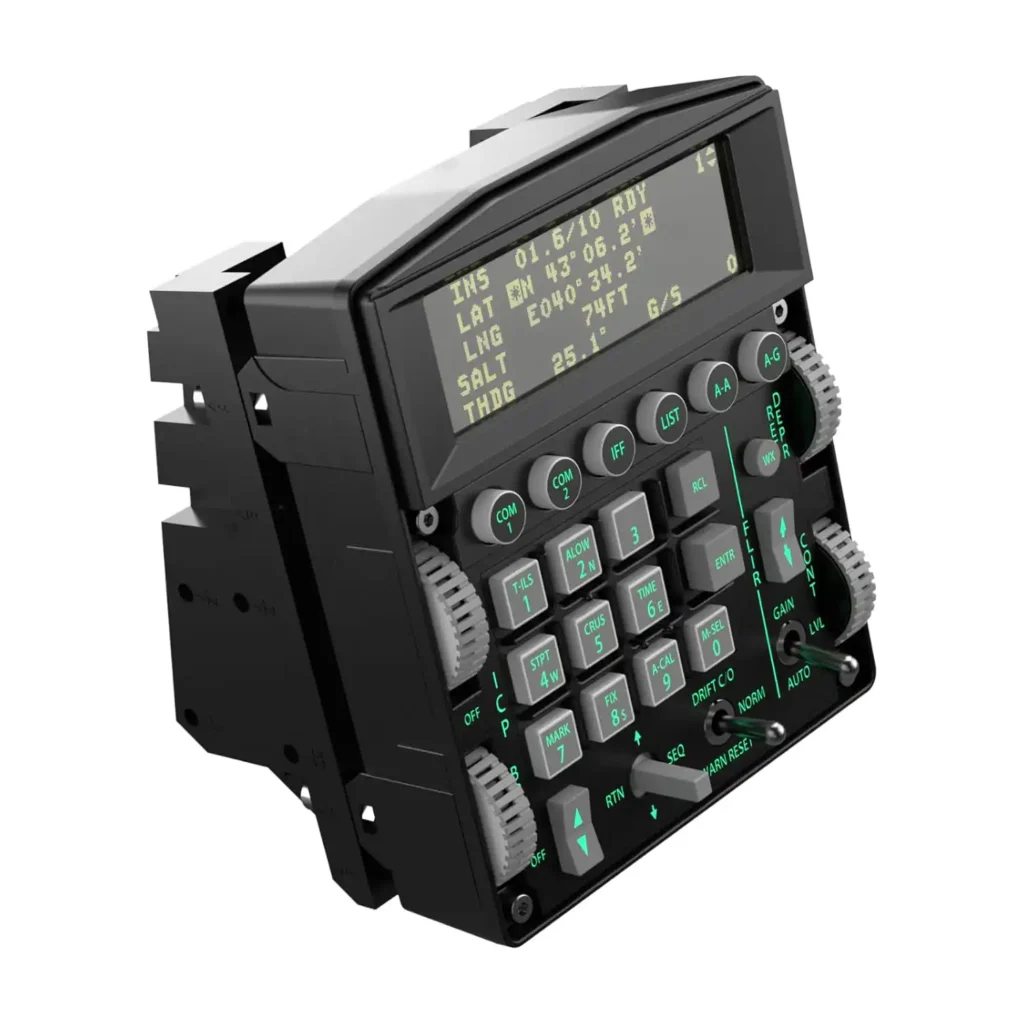
One of the most surprising design choices is the rubber buttons. Unlike traditional plastic buttons, these provide a firm yet soft tactile response, making them comfortable for extended use. The rotary dials and three-way metal switches add an extra level of realism and function. The DED (Data Entry Display) is mounted on the top, mirroring the in-game DED screen within DCS, making it easier to reference during flight.
Click Here to See Pricing, Ratings, and Reviews on Amazon.com
Installation and Mounting Options
Easy Assembly and Mounting Choices
One of the most common concerns with high-end flight peripherals is installation complexity. Fortunately, the WinWing F-16 ICP is incredibly easy to set up, requiring only basic assembly skills. It comes with two mounting options:
- 51° upright position: Mimics the real F-16 cockpit angle
- 16° reclined position: Provides a more ergonomic setup for desk users
Mounting is secure thanks to the included double-sided adhesive strips, which feel as solid as cement when applied. This ensures the ICP stays in place even during intense dogfights or turbulent landings.
Software Integration and Configuration
Plug-and-Play Simplicity
Setting up the WinWing F-16 ICP in DCS World is straightforward. Users must ensure they have the latest SimApp Pro installed to unlock the full range of features, including:
- Backlight brightness adjustment
- DED display synchronization with in-game data
- Key mapping and button configuration
The DED mirroring feature is a standout, eliminating the need to shift focus between the game screen and physical panel. The only requirement is that SimApp Pro must be running and granted permission to modify the export.lua file—a crucial step that ensures full functionality.
Practicality Beyond the F-16 Viper
Expanding Usability to Other Aircraft
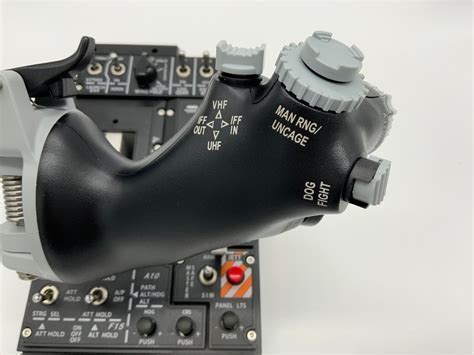
While the WinWing F-16 ICP is designed for the Viper, it offers tremendous versatility for other aircraft. Users flying different jets, or even warbirds, can repurpose its buttons, switches, and rotary dials to enhance their control schemes.
Some alternative uses include:
- Targeting and radar controls for the F-14 Tomcat
- Gunsight brightness and range settings in WWII aircraft
- Cockpit lighting and radio frequencies across multiple planes
This adaptability makes the WinWing F-16 ICP a valuable tool for multi-aircraft pilots who want an immersive experience without being limited to one platform.
Real-World Performance and User Experience
Seamless Flight Operations
During extensive testing, the WinWing F-16 ICP proved to be invaluable. Whether entering waypoints, adjusting radio frequencies, or setting up countermeasures, having dedicated physical controls dramatically improves response time and situational awareness. The ability to press a button rather than navigating a mouse-controlled interface while flying enhances the immersion and realism of every mission.
Furthermore, the buttons and switches are strategically placed to match their in-game counterparts, creating a one-to-one mapping experience that feels authentic and fluid.
Is the WinWing F-16 ICP Worth It?
For dedicated F-16 Viper pilots, the WinWing F-16 ICP is an absolute must-have. However, even casual pilots will find value in its extra buttons, switches, and rotary dials, making it a versatile tool for any flight sim setup.
Pros and Cons
Pros:
✅ High-fidelity replica of the real F-16 ICP
✅ DED display synchronization with in-game visuals
✅ Easy installation and adjustable mounting options
✅ Plug-and-play functionality with SimApp Pro
✅ Extensive remapping options for multi-aircraft use
✅ High-quality construction with durable buttons and switches
Cons:
✖ Requires SimApp Pro for full functionality
✖ Some users may prefer metal construction over plastic
✖ Takes up desk space, especially for laptop users
Click Here to See Pricing, Ratings, and Reviews on Amazon.com
Frequently Asked Questions (FAQ)
1. Can I use the WinWing F-16 ICP for other aircraft in DCS?
Yes! While designed for the F-16, the ICP’s buttons, switches, and dials can be remapped for other aircraft, making it a valuable addition to any DCS setup.
2. Does the DED display work in real-time with DCS?
Yes! When properly configured with SimApp Pro, the DED mirrors the in-game DED display, enhancing immersion and usability.
3. How difficult is it to install the WinWing F-16 ICP?
The ICP is incredibly easy to install. With basic assembly and mounting options, it requires minimal setup effort, making it accessible for all users.
The WinWing F-16 ICP is a game-changer for flight simulation enthusiasts, providing a realistic and immersive experience whether flying the F-16 Viper or other aircraft in DCS World. Its high-quality build, seamless integration, and versatile functionality make it a top-tier choice for any serious virtual pilot.